
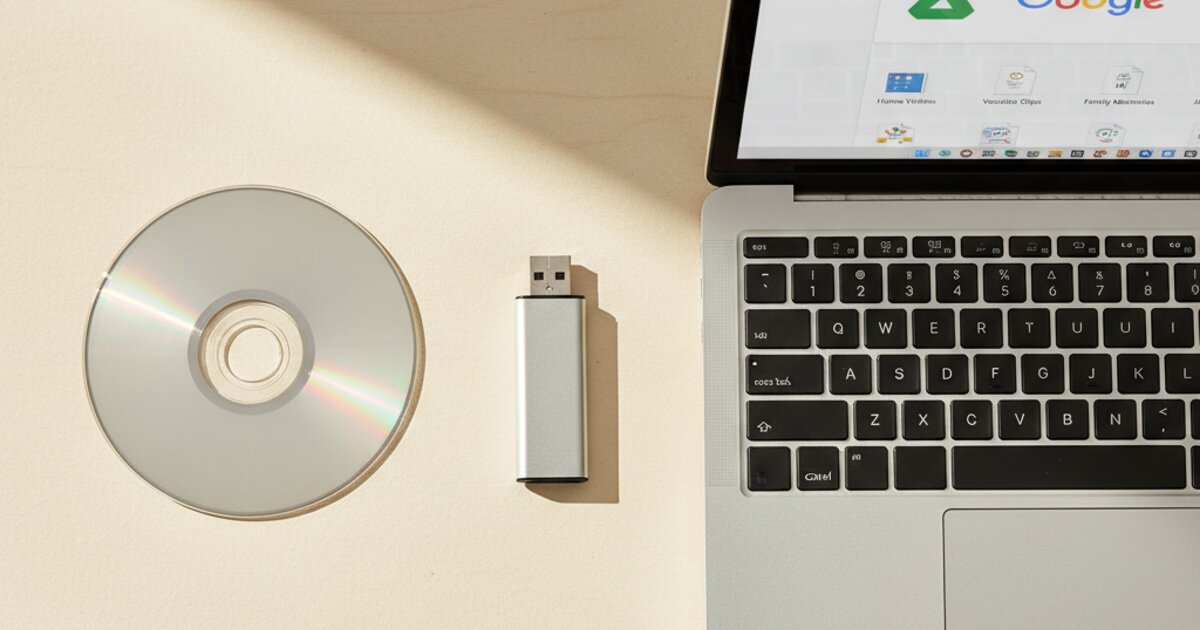
Quick Comparison: DVD vs USB vs Google Drive
Before diving into the details, here is a side-by-side look at all three formats. This table covers the basics so you can see the differences at a glance.
| Format | Best For | Pros | Cons |
|---|---|---|---|
| DVD | TV watchers, gifts for relatives, physical media fans | Plays on any DVD player, easy to label and gift | Can scratch, no cloud backup, limited to ~2 hours per disc |
| USB Thumb Drive | Computer users, smart TV owners, people who want files on hand | Compact, plays on smart TVs and computers, easy to copy | Can get lost, no cloud backup unless you upload manually |
| Google Drive | Tech-savvy users, remote sharing, cloud-first households | Accessible anywhere, shareable via link, backed up in the cloud | Needs internet, free storage limited to 15 GB |
DVD: The Classic Choice for TV Playback
DVD is the format most people think of first when they picture VHS conversion, and for good reason. A DVD plays in any standard DVD player, Blu-ray player, PlayStation, Xbox, or laptop with a disc drive. You pop it in, press play, and watch on your TV just like you used to with the VCR. There is no setup, no pairing, no apps, and no WiFi required.
DVDs are also a great option when you want to give copies of family videos as gifts. Roy can duplicate discs at Duplication Solutions, so you can hand a copy to each sibling, parent, or grandchild at the next family gathering. A labeled DVD in a case feels like a real, tangible keepsake in a way that a download link does not.
- Plays on any DVD player or gaming console
- No internet or computer needed
- Easy to duplicate and give as gifts
- Included in base conversion price
- Discs can scratch or crack over time
- No automatic cloud backup
- Limited to about 2 hours per disc
- Requires a device with a disc drive
DVD is the right choice if your primary goal is watching your old home movies on a TV in the living room. It is also the right choice if the person receiving the videos is not comfortable with computers or cloud services. For many families, especially those with older relatives, DVD remains the simplest and most straightforward option.
USB Thumb Drive: Portable Files You Control
A USB thumb drive gives you your converted VHS footage as MP4 video files stored on a small, portable drive. You can plug it into a computer, a laptop, or the USB port on most modern smart TVs to watch your videos directly. You can also copy the files to your hard drive, back them up to an external drive, or upload them to any cloud service you choose.
The biggest advantage of USB over DVD is flexibility. MP4 files are the most universally compatible video format in existence. They play on Windows, Mac, iPhone, iPad, Android, Roku, Fire Stick, and just about every other device made in the last 15 years. You are not locked into a single playback method the way you are with a disc.
- Compact and easy to store
- Plays on smart TVs, computers, and laptops
- Files can be copied, backed up, and shared
- Holds many hours of video on a single drive
- Small enough to lose or misplace
- No cloud backup unless you upload manually
- Requires a USB port on your playback device
USB is the right choice if you want to own your video files outright, copy them to multiple devices, or watch them on a smart TV without needing a DVD player. It is also a good choice if you plan to do your own cloud backup later. Many of Roy's customers pair USB with Google Drive so they have both a local copy and a cloud copy.
Google Drive: Cloud Access From Anywhere
Google Drive delivery means Roy uploads your converted video files to the cloud and shares a download link with you. You can then stream the videos from any device with an internet connection, download them to your computer or phone, or share the link with family members across the country. There is nothing to plug in, nothing to lose, and nothing to scratch.
The real power of Google Drive is sharing. Instead of mailing DVDs to relatives in different states, you send a link. Your brother in California, your daughter in Texas, and your parents down the street can all watch the same family videos within minutes of receiving that link. For families spread across multiple time zones, this is the most practical way to share converted footage.
- Accessible from any device, anywhere
- Easy to share with family via a single link
- Backed up in the cloud automatically
- No physical media to lose or damage
- Requires an internet connection to stream
- Free Google storage capped at 15 GB
- Less intuitive for non-tech-savvy users
Google Drive is the right choice if you value convenience and remote access above everything else. It is also the best option when the primary goal is sharing videos with family members who live far away. Keep in mind that Google offers 15 GB of free storage per account. A typical VHS tape produces 2 to 4 GB of video, so a large collection may require a paid storage plan or you can download the files and free up space.
Can You Get More Than One Format?
Absolutely. Roy can output your converted footage to DVD, USB, and Google Drive all in the same order. Many customers choose two formats to cover their bases. For example, DVD for the living room TV and Google Drive for sharing with out-of-state relatives. Or USB for the home computer and Google Drive as a backup.
There is no limit on combinations. If you want all three, Roy will do all three. The conversion process happens once, and then the output gets copied to whichever formats you choose. Getting multiple formats is one of the smartest moves you can make because it gives you redundancy. If a DVD scratches, you still have the USB. If the USB gets lost, you still have Google Drive. Your family memories deserve more than one copy.
What Does VHS Conversion Cost?
Roy keeps pricing simple and transparent at Duplication Solutions. Here is what VHS tape conversion costs:
- 5 or more tapes: $15 per tape (up to 2 hours each)
- Fewer than 5 tapes: $20 per tape (up to 2 hours each)
- DVD output is included in the base price
- USB and Google Drive are also available as output options
For a full breakdown of pricing across all media types, visit the pricing page. There are no hidden fees, no surprise charges, and no minimum order requirements. For a deeper look at how Roy's rates compare to national services, read our VHS to digital cost breakdown for 2026.
Roy's Recommendation
“Most families get USB plus Google Drive. USB for the TV, Google Drive for sharing with relatives across the country.”
After nearly two decades of converting VHS tapes, Roy has seen what works best for most households. The USB-plus-cloud combination gives you a physical copy you can hold in your hand and play on any smart TV, plus a cloud backup that family members anywhere in the world can access with a single link. If the person receiving the videos prefers watching on a traditional DVD player, add a DVD to the order. The conversion only happens once, so it makes sense to get your footage in as many formats as you need.
There is no single right answer for everyone. The best format depends on how you watch videos, who you want to share them with, and how comfortable you are with technology. A household with a smart TV and family across the country will get the most value from USB plus Google Drive. A household where everyone lives nearby and watches DVDs on the weekend will be perfectly happy with DVD alone. Roy can help you figure out the right combination when you bring your tapes in for VHS transfer.
Related Reading
If you are still deciding whether to convert your tapes, start with the basics. Our guide on how to tell if your VHS tapes are degrading covers the seven warning signs that your tapes need attention right now. Understanding the condition of your tapes will help you decide how urgently you need to act and whether professional conversion is worth it. Spoiler: it almost always is.
Thinking about using a national mail-in service? Our guide on why you should never ship your family tapes explains the risks. You can also see how Roy stacks up against specific competitors in our comparisons with LegacyBox, iMemories, and Walmart and CVS.
Ready to Convert Your VHS Tapes?
Bring your tapes to Duplication Solutions in Hamilton Township, NJ. Roy will walk you through the format options in person, inspect your tapes for free, and give you an honest quote with no pressure. Whether you want DVD, USB, Google Drive, or all three, Roy handles everything right here on premises.
Frequently Asked Questions
Yes. Roy can output your converted footage to DVD, USB thumb drive, and Google Drive all in the same order. Many customers choose two formats so they have a physical copy for the TV and a cloud backup for sharing. Let Roy know which formats you want when you drop off your tapes.
Roy delivers your converted footage as MP4 files, which is the most widely compatible video format available. MP4 files play on Windows, Mac, iPhone, Android, smart TVs, tablets, and every major media player. You do not need any special software to watch them.
A properly stored DVD-R disc can last 30 years or longer. Keep your DVDs in their cases, away from direct sunlight, and in a cool room with stable temperature. Unlike VHS tapes, DVDs do not degrade from magnetic field exposure. That said, discs can scratch, which is why many customers also get a USB or Google Drive backup.
Standard VHS tapes produce roughly 2 to 4 gigabytes of video per hour when converted to MP4. A 32GB thumb drive can hold about 8 to 16 hours of converted footage, and a 64GB drive holds double that. If you have a large collection, Roy will let you know the right size drive to bring or can provide one for you.